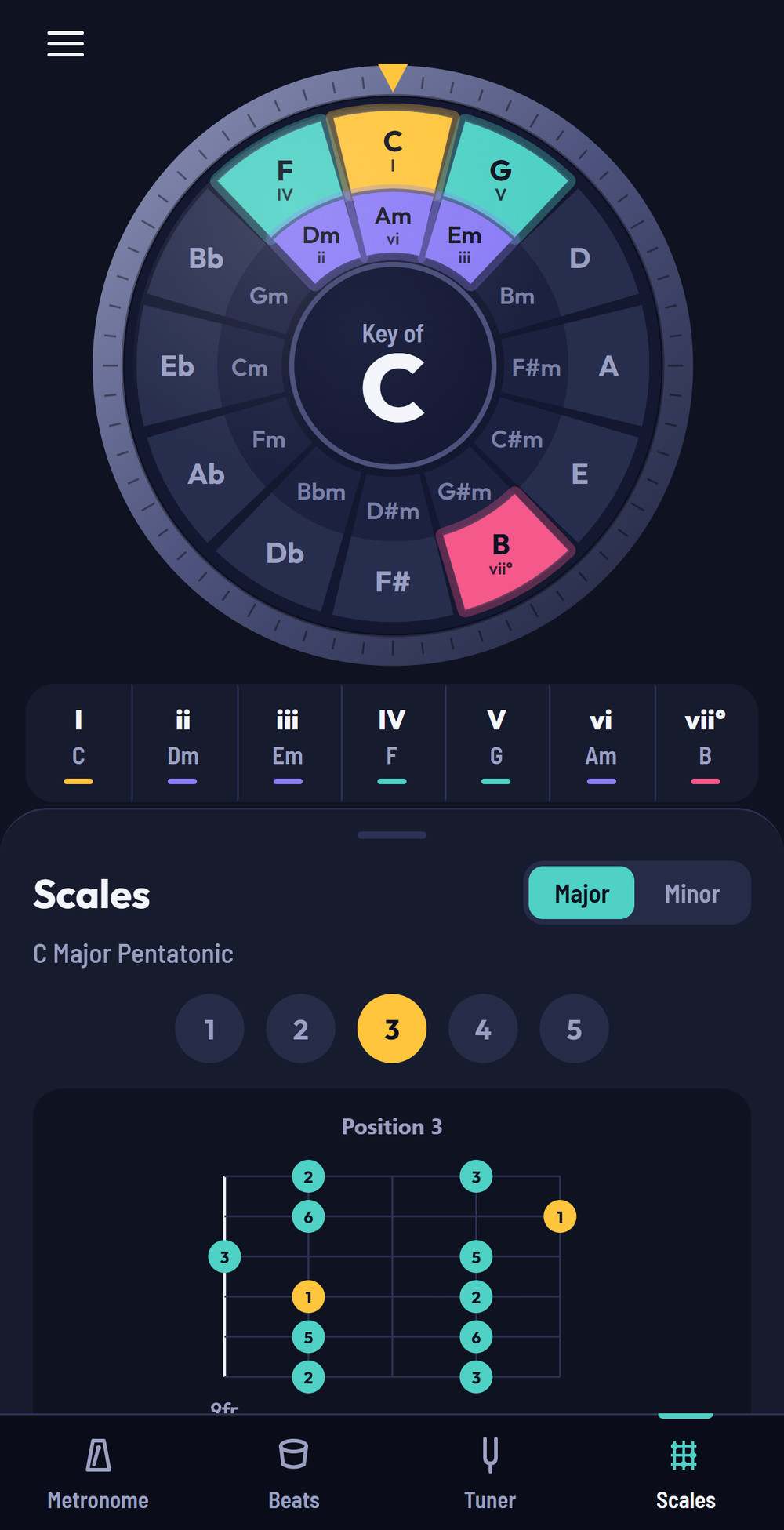
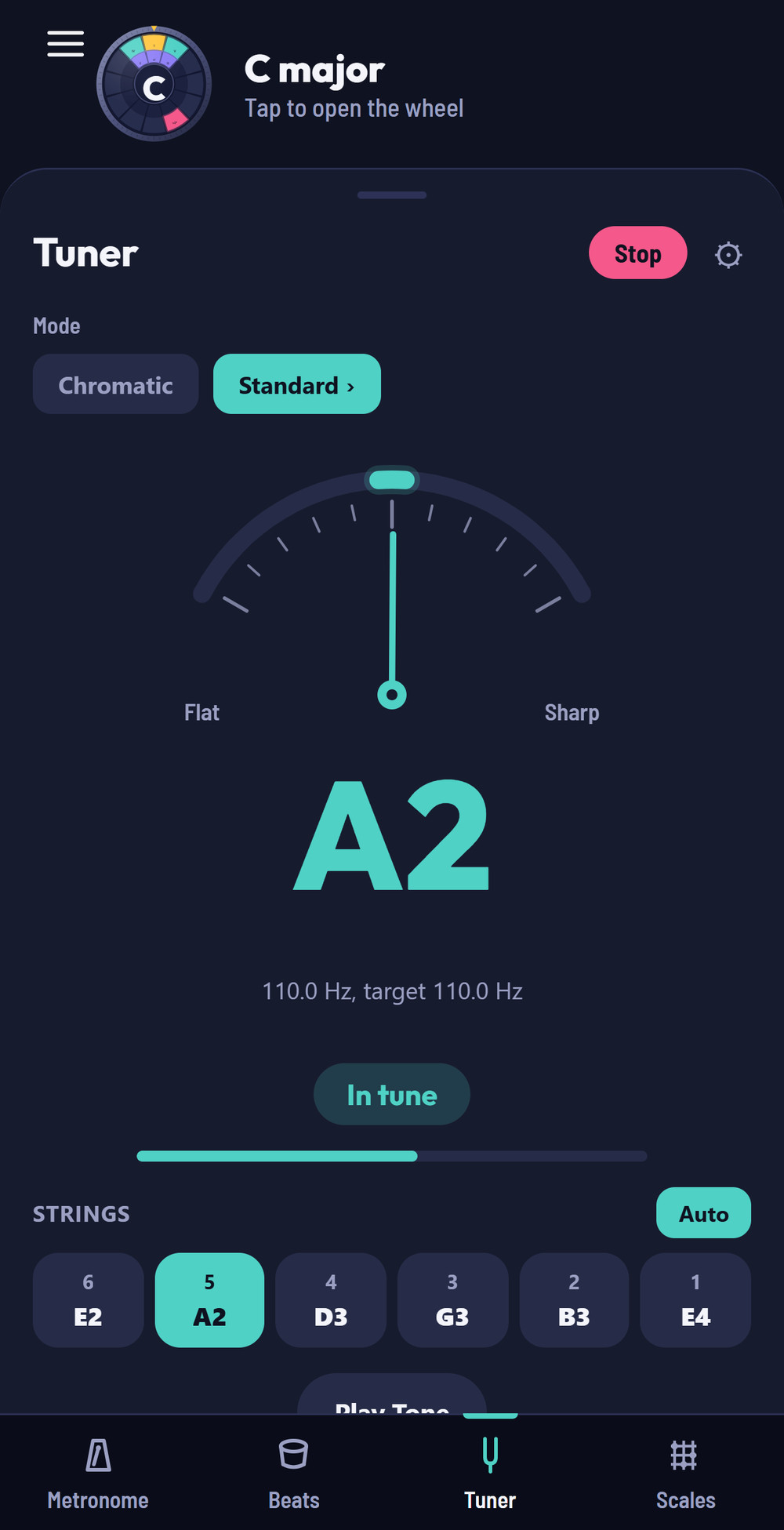
Guitar Wingman brings the Circle of Fifths, all five CAGED shapes for every chord, pentatonic scale charts, a metronome, a drum machine and a chromatic tuner together in one focused practice companion. This guide walks through every tool, so you get the most out of it.
Six focused tools, all in one app — tap between them anytime using the tabs below the wheel.
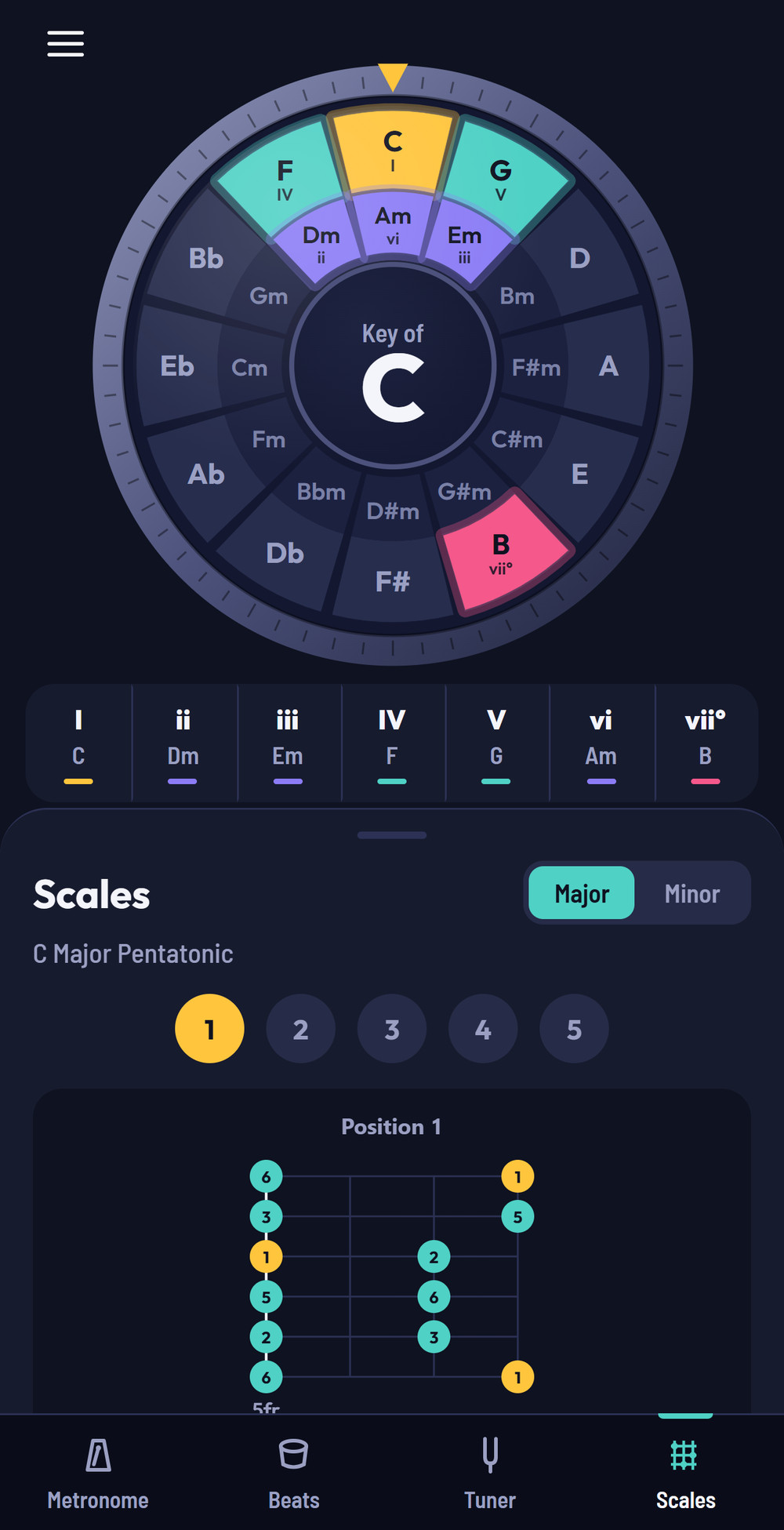
Spin the wheel or tap any wedge to jump to that key. The chords that naturally belong to it — I, ii, iii, IV, V, vi, and vii° — light up in the window at the top and in the strip below, color-coded so you can see at a glance which chords work together.
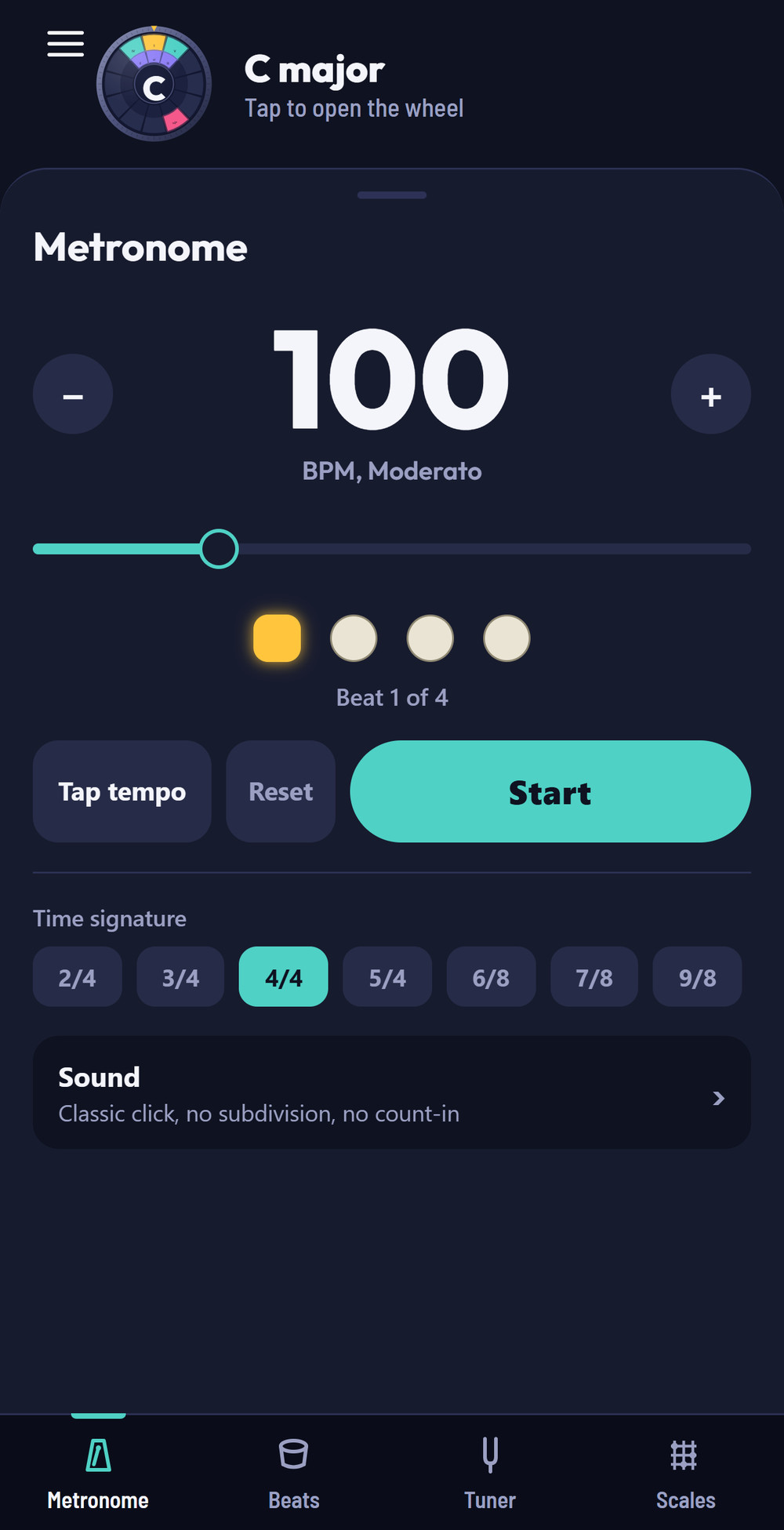
A precision, studio-grade metronome with tap tempo, eight time signatures plus custom, subdivision clicks, swing, and four click tones — built on real audio scheduling so the click never drifts, even during a long practice session.
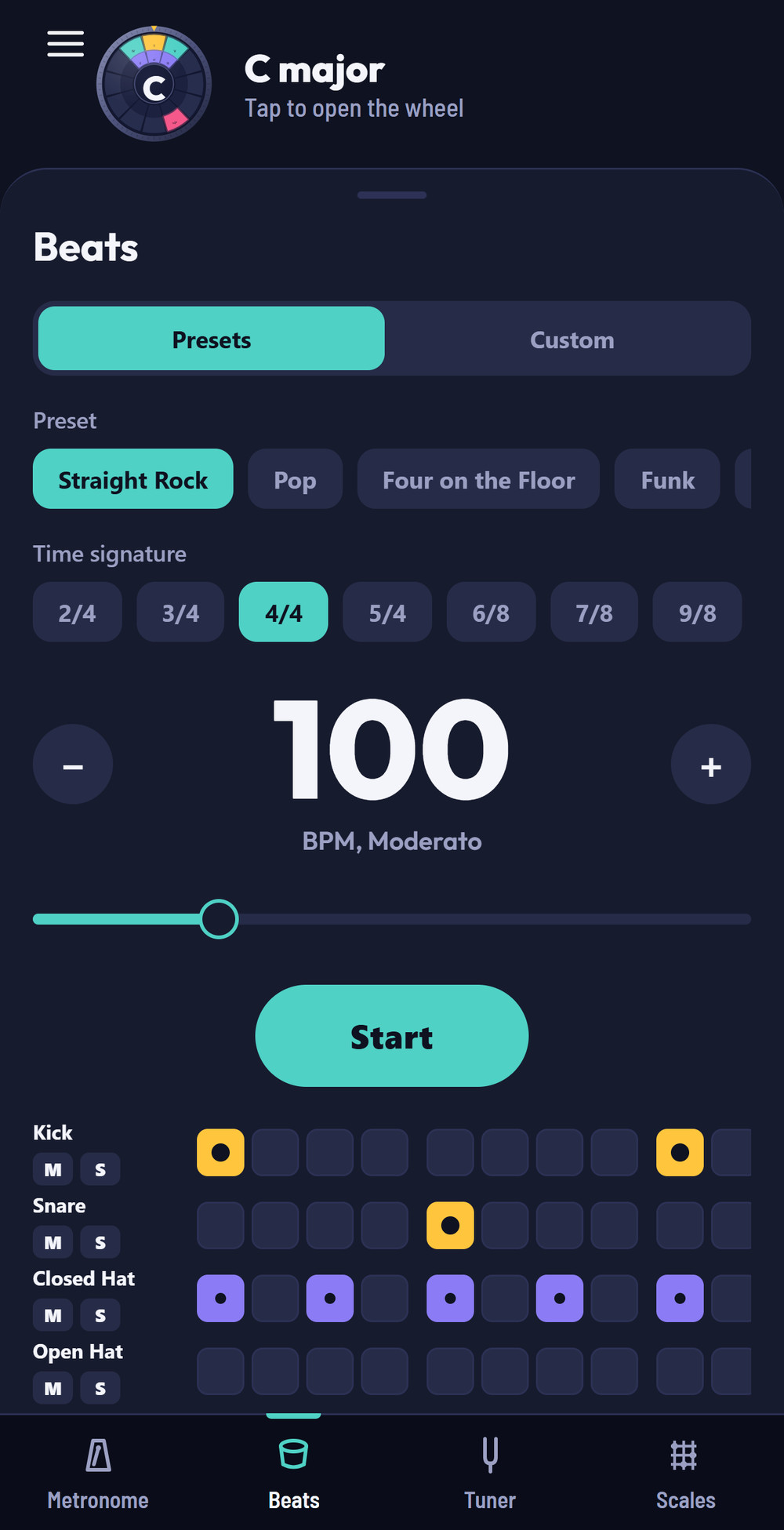
A built-in drum machine with realistic presets and a full step sequencer, so you can practice rhythm guitar against an actual beat instead of a bare click. Adjust swing, humanize the groove, and mix each drum independently.
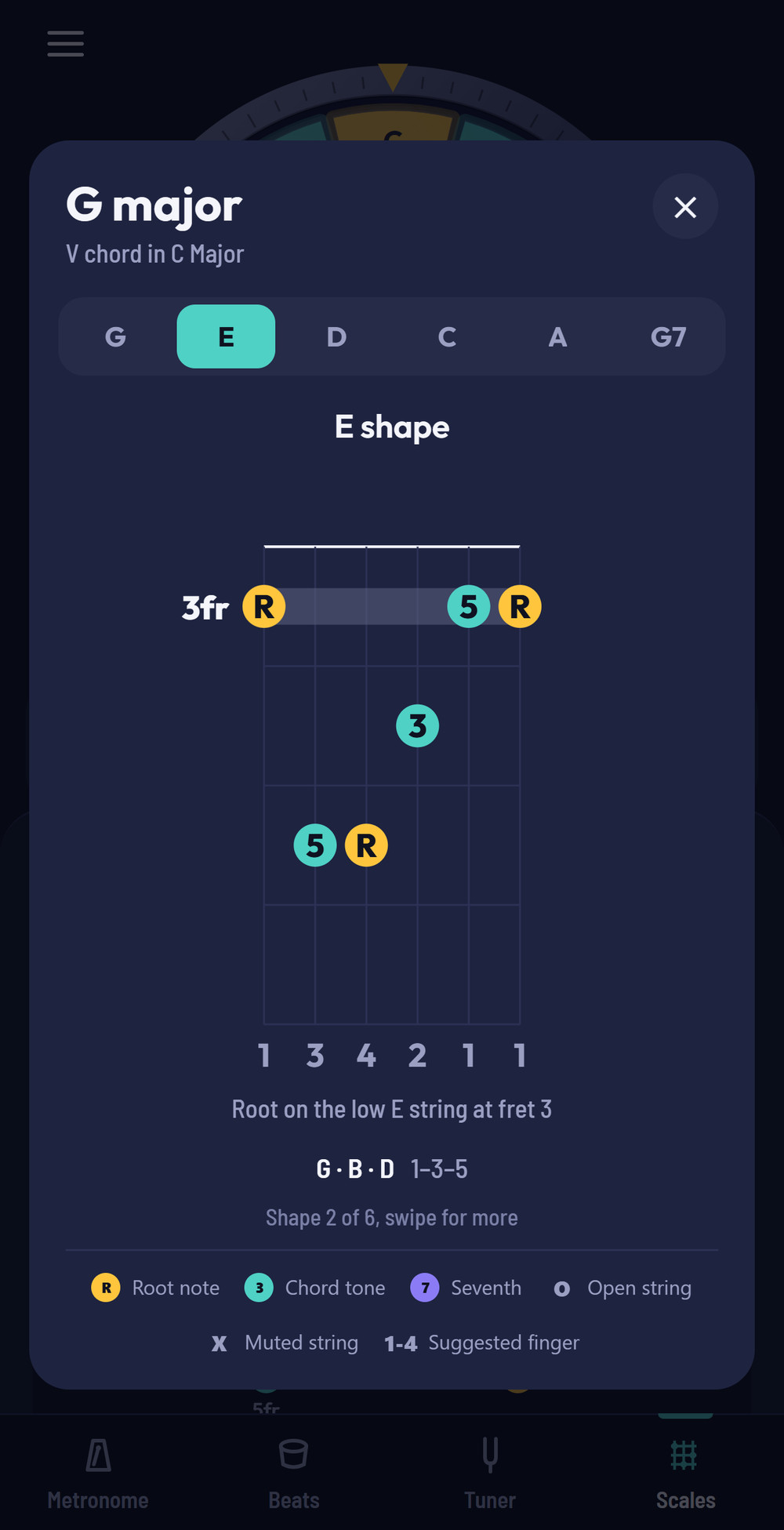
Tap any chord to see all five CAGED shapes, from the open chord all the way up the neck, plus the 7th chords that belong in the key. Each diagram shows the root, third and fifth, suggested fingering, and exactly where the root sits, so you can find the chord anywhere on the fretboard.
Major and minor pentatonic scale shapes mapped across the fretboard for any key, with all five neck positions, so you can move fluently from the open position all the way up the neck.
An accurate chromatic tuner with 18+ built-in tunings — standard, drop, open, and more — plus fully custom tunings, adjustable concert pitch, and a reference tone. Everything is analyzed on your device; audio is never recorded, stored, or transmitted.
Four things to know and you're set.
Spin the Circle of Fifths, or tap a wedge, to choose a key — the chords update instantly.
Use the bar along the bottom of the screen to switch between Metronome, Beats, Tuner, and Scales.
Tap the ☰ icon top-left for theme, sharps/flats, left-handed mode, Restore Purchases, and this help guide.
Save custom tunings, drum patterns, and metronome presets so it fits the way you play.
A few ways experienced players use Guitar Wingman every day.
Switch to Beats for a groove instead of a bare metronome — it's a more musical way to build timing.
Chords in the same key almost always sound good together — use the wheel to explore fresh progressions.
Master a pentatonic position, then step through the others to unlock the whole neck.
A few seconds with the tuner before you play saves your ears — and your bandmates'.
The Circle of Fifths, chord shapes, and scales are free. The Tuner, Metronome, and Beats are unlocked with a single one-time purchase — no subscription, no ads, and no account needed. If you reinstall or move to a new phone, tap Restore Purchases in the menu (☰) to get your unlock back.
No. The tuner analyzes pitch entirely on your device in real time. Audio is never recorded, stored, or transmitted anywhere.
Yes — every tool, including the tuner, metronome, drum beats, chord shapes, and scales, works completely offline.
Yes. In Tuner Settings you can build and save a custom tuning with 4 to 8 strings, edit it any time, or duplicate an existing one as a starting point.
Yes, Guitar Wingman runs on both platforms.
Yes. Turn on Left-handed mode from the menu (☰) to mirror the chord and scale fretboard diagrams.
The chromatic tuner needs your microphone to listen to the note you're playing so it can show you how in tune it is. As above, nothing is ever recorded or leaves your device.